

Fancy lobby names travel well in chat, and they still leave a printer with nothing solid to hold. Players who want a figure that matches the character behind the symbols can run the plain description through a miniature generator and leave the unicode decoration on the lobby card, where a mesh is built from a sentence instead.
Four concept previews and a 20-credit sculpt are how that sentence becomes a figure. The previews arrive in seconds, so gear, pose, and base are visible before the sculpt spends 20 credits on one miniature. A sketch costs less than that sculpt, which is why the file you print is a model you have already seen, not a nickname the printer has to guess.
A Plain Sentence Carries The Pose
A stacked nickname can say king, alpha, or a weapon emoji, and the figure still needs a body. Printers read a mesh. The useful brief is a sentence a friend could repeat: who it is, what they wear, what is in their hands, and whether they are standing, crouching, or braced. That sentence is what the four previews have to match. The fancy nickname can stay in the chat header, because decorative characters are not the geometry a model uses to build arms, a weapon, and feet.
Strip the symbols on paper first, then add the load-bearing nouns. A staff and a sword are different objects in the hand, and a defensive stance and a lunge are different silhouettes. When those words are in the first line, the previews have something to show. The character you have been typing for months becomes a pose you can point at, which is the job the sentence does before any credit is spent on a sculpt.
How The Three Steps Use One Sentence
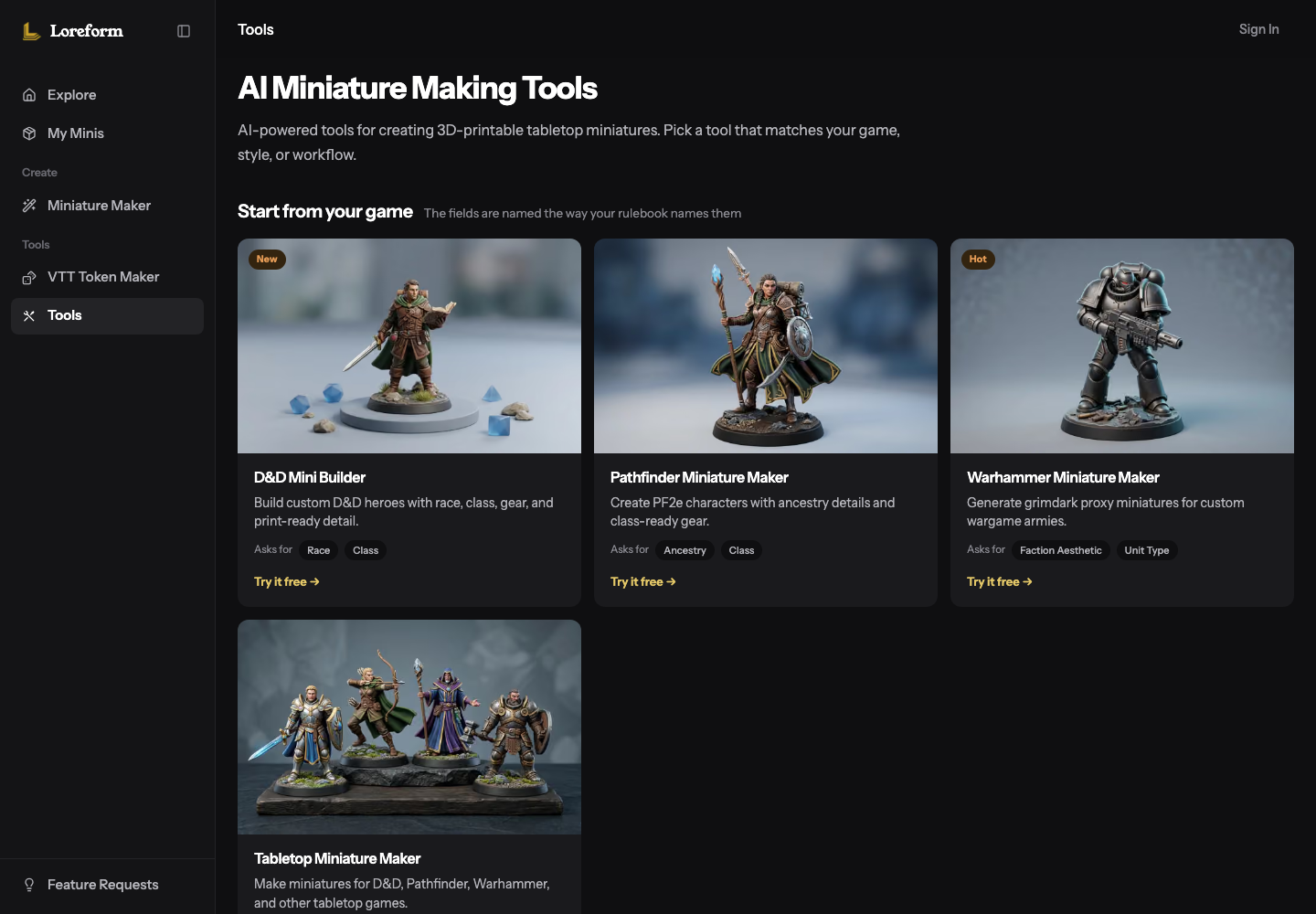
The published path is short. You describe the figure or you upload a reference image. Loreform builds that input by text-to-3D or image-to-3D, and you refine pose, gear, and details with AI edits until the silhouette matches the sentence. Then you export an STL aimed at FDM and resin printers, with supports already built for that character file. The four previews sit in the middle of that path, and the 20-credit sculpt is the step that turns the matching preview into the mesh.
Name The Gear And The Pose
Put the load-bearing nouns in the first line. The text tool shows what a thin prompt becomes, and that expansion is the product filling in a printable figure. A short word like warrior is expanded toward layered plate, a longsword, a tower shield, a defensive stance, a 25mm round base, and 28mm heroic scale. You read that expansion in the previews, where the shield, the sword, and the stance are already a body you can accept or revise. The sculpt then spends its 20 credits on the version that matches the character, with the scale and the base already in view.
Most custom miniatures are described as ready in about two minutes. The same text path also says a full pass can finish in under five minutes. The four concept previews are the fast part, in seconds, and they are where the weapon and the stance become visible. That speed is what makes the sculpt a confident file: you have already seen the figure the 20 credits are about to build.
Where The Prompt Adds A Base
The enhancer adds miniature-specific details on its own: pose, base, proportions, and whether the shape is practical to print. That is the control that turns a nickname into a tabletop figure. The warrior example lands on a 25mm round base. A dragon example on the same tool is expanded toward a rocky outcrop and a much larger gargantuan base, because the tool sizes the base to the creature you named. A human-sized avatar and a boss model do not have to share a plinth. You see which one you got in the preview, and you keep the disk that sits with the squad.
Say the base in your own sentence when you care about the footprint. "Standing on a plain 25mm round base" is enough, and the preview can show that disk under the feet. When you leave the base to the enhancer, the preview still shows the slab, the rock, or the disk it chose, which is how a 20-credit sculpt includes a base you have already looked at. The base is part of the mesh the sculpt builds, so the figure you download is a piece that can stand in a rank.
Four Concept Previews Show The Figure
Four previews are the comparison set, and they are the reason the sculpt can be specific. Look at the hands, the weapon, and the feet before you look at the face decoration. A nickname built from skulls and crowns often arrives with a crowd of adjectives. The previews cut through that by showing a body: a hand you can read, a shield clear of the thigh, a foot that meets the base. Ask for one AI edit that names the single fix, such as "both feet on the base, sword clear of the cloak," and the next preview carries that fix into the set. The sculpt is then building a figure you have already checked.
Creator includes one free AI edit per task. Pro includes three. After that free edit, an extra concept edit is 10 credits on a paid account. Spend the free edit on the change that makes the silhouette match the sentence, such as the feet or the weapon, and keep a buckle for later if you still want it. When all four previews show a different weapon from the one you named, tighten the sentence and generate again. The next four are the same tool, aimed at the nouns you just put back in the first line. That is the previews doing the work the nickname could not do.
What Twenty Credits Buy A Sculpt
Loreform meters sketches and sculpts separately, and the split is what makes one miniature a finished file. A free account can open the tools with no card. It includes 20 credits that stay valid for 7 days, text-to-3D and image-to-3D, basic styles, and a standard queue. Those credits are non-commercial. A free account also gets three concept sketches before further sketches cost 2 credits each. Paid accounts get 20 sketches a day before that same 2-credit price. Turning a sketch into a 3D model costs 20 credits, which the pricing table treats as about one miniature. Four previews choose the figure, and the sculpt builds it.
Free Sketches Versus One Paid Sculpt
The meter is a sequence, not a guess. Three free sketches on a new account are where poses sit side by side. The 20-credit sculpt is the generation that turns the matching sketch into a 3D model, about one miniature. Creator is $19.99 a month and includes 400 credits, enough for about 20 tabletop miniatures in that month, plus one free AI edit per task, all styles, private creations, a priority queue, and commercial use. Pro is $39.99 a month, with 1,000 credits, about 50 miniatures, and three free AI edits per task. A player making one avatar can sculpt it from the free credits. A player who wants a month of figures, private files, or commercial use has Creator and Pro sized to that volume.
Action | What it costs |
Concept sketch on a free account | 3 free, then 2 credits each |
Concept sketch on a paid account | 20 a day, then 2 credits each |
Sculpt the sketch into a 3D model | 20 credits, about one miniature |
Extra concept edit after the free one | 10 credits on a paid account |
Download STL, GLB, or FBX | Included once the model exists |
The download is included once the model exists. You pay the 20 credits to create the model, and the STL, the GLB, or the FBX comes with it. The four previews are what make those 20 credits buy the figure you meant, because the mesh you download is the one whose weapon, stance, and base you already accepted.
Download STL GLB Or FBX Free
The character STL from Loreform is described as print-ready for FDM and resin, with supports already generated and slicer settings recommended so the first print has a file built for the machine. That support claim belongs to the miniature export. GLB and FBX are there if the next stop is a screen. STL is the file when the nickname is supposed to become a physical figure, and it is included once the sculpt exists. The feet you checked in the preview are the feet in that STL, which is why the 20-credit step is the one you hand to the printer.
The Base Lands In The Preview
A miniature maker puts the base in the same preview as the body, which is how a squad stays on one footprint. Compare the preview base with the base you wrote. A 25mm disk under a human-sized avatar is the usual tabletop footprint in the warrior example. A rocky outcrop is the base the enhancer builds when the sentence describes a scenic or gargantuan piece, as in the dragon example. Seeing that difference before the sculpt means the 20 credits go to the plinth you want glued down, and the figure lines up with the rest of the rank.
Time sits next to the credits in a useful way. A generation in about two minutes, and a full pass in under five, is what gets a checked STL onto the printer while the pose is still the one you named. The resin run then prints a file whose feet meet the disk, because that meeting was visible in the preview the sculpt followed. The unicode name stays in the lobby. The sentence, the four previews, and the sculpt are what the printer receives.
Hand The STL To Whoever Prints
Loreform fits a player who already knows the character and can say the gear and the pose in one plain sentence. Four previews show that sentence as a body, and 20 credits sculpt the matching preview into about one miniature, with STL, GLB, and FBX included once the model exists. Creator, at $19.99 a month and 400 credits, is the month for about 20 of those miniatures and for commercial use.
Keep the decorated name in the lobby. Hand the printer a sentence you would still accept with every symbol stripped off, a preview whose feet meet the base, and the STL from the 20-credit sculpt of that preview. The four previews and the sculpt are the figure. That is the file the plate should heat.