
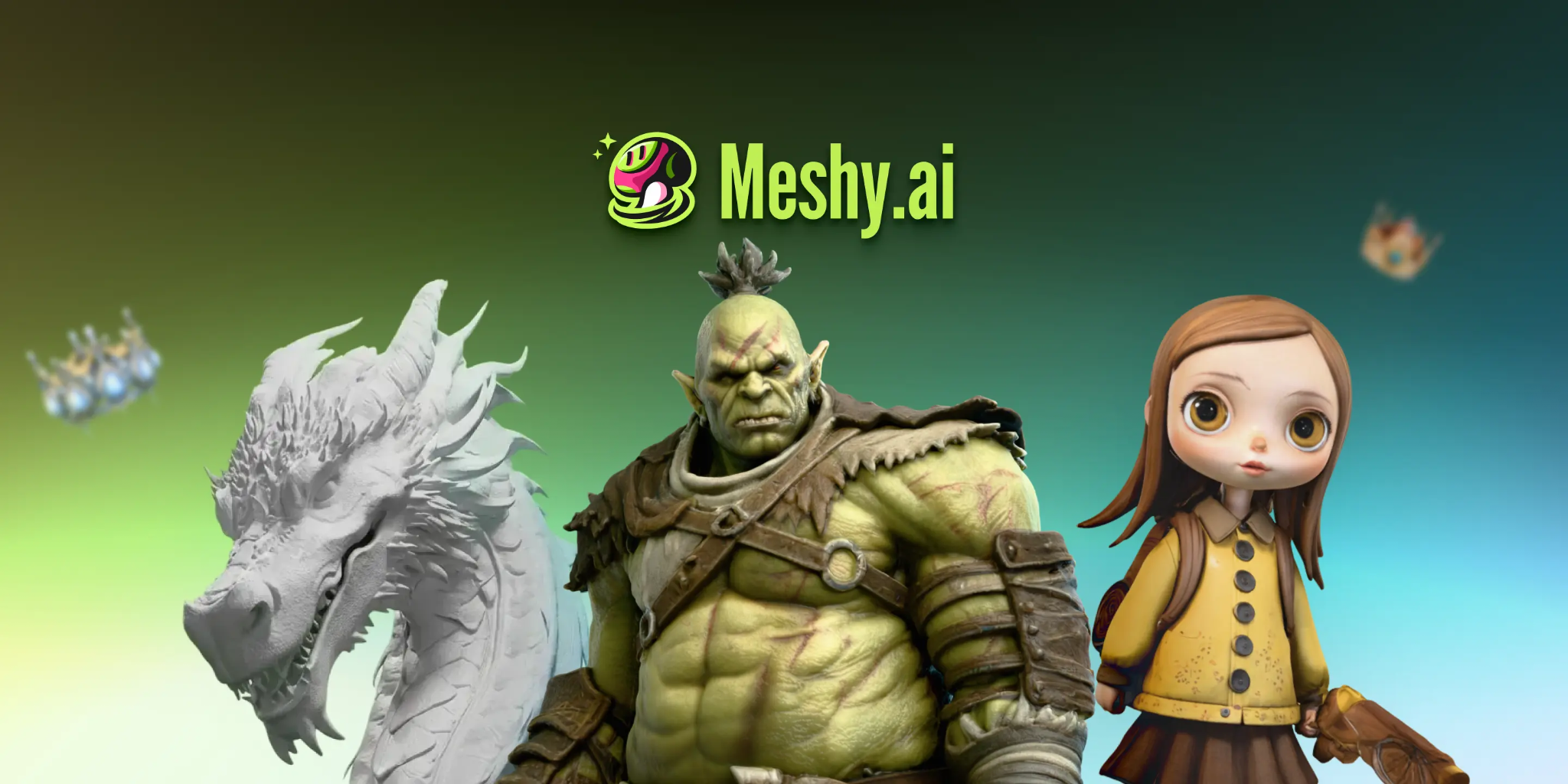
AI 3D tools can speed up the early stages of custom avatar creation by turning text prompts or character reference images into a base 3D mesh. For indie developers, artists, and creators working on their own game projects, this can make it easier to test character ideas before committing to a full manual modeling workflow.
This workflow is intended for game projects or platforms that allow custom avatar imports; generating a model does not make it usable in every existing game.
Meshy AI generates a base mesh from text or images. For animated avatars, run auto-rigging separately and inspect the result before export. Generation, rigging, optimization, and engine integration should be treated as separate stages rather than one automatic process.
What Can AI 3D Tools Do for Game Avatar Prototyping?
AI 3D tools are most useful during the early asset-development stage.
Instead of beginning with a blank 3D scene, creators can start from a text description, a character illustration, or several reference images and generate a first-pass mesh for evaluation.
That base model can then be reviewed for:
overall proportions;
silhouette;
surface detail;
topology;
texture quality;
animation readiness;
target-engine requirements.
The generated result should be treated as a starting asset rather than a finished game character.
Meshy supports both text-to-3D and image-to-3D workflows, allowing creators to choose an input method based on the material they already have.
Why Generation and Auto Rigging Are Separate Steps
Creating the mesh and preparing it for animation are two different tasks.
A generated avatar begins as geometry. If the character needs to walk, run, attack, emote, or use other skeletal animations, it must also be rigged.
Auto-rigging creates a skeleton and skinning setup so the mesh can deform around joints during animation. It is a separate stage that comes after generating or uploading the character model.
Auto-rigging can reduce repetitive setup, but the result should still be checked.
Automated rigs can struggle when a model has fused limbs, unusual proportions, poor topology, or a non-standard creature design. Even a successful rig may need adjustment if shoulders, elbows, knees, fingers, or other joints deform incorrectly.
For that reason, creators should preview several basic animations before moving the character into the final game pipeline.
How Does Image-to-3D Interpret Character Art?
Image-to-3D tools use visual information from a reference image to estimate the three-dimensional form of a character.
A single front-facing image may provide strong information about the face, clothing, and overall silhouette, but the model still has to infer geometry that is not visible.
That can lead to weaker results on the back, sides, or recessed areas of the character.
The problem becomes more noticeable with:
complex costumes;
asymmetrical characters;
accessories;
layered clothing;
unusual hairstyles;
fantasy creatures.
This is why reference quality has a direct effect on the usefulness of the generated base mesh.
Why Multiple Image Inputs Can Improve Avatar Geometry
Multiple reference views provide more spatial information than one image alone.
Front, back, and side references can help the generation model understand how character features continue around the body instead of guessing unseen geometry from a single angle.
For avatar prototyping, this can reduce problems such as an accurate front profile but distorted side or rear geometry.
Meshy offers Multi-View generation on paid plans for creators who need to provide several views of the same subject.
Consistent reference images also matter. Large differences in pose, proportions, clothing, lighting, or character placement between views can make the generated result less predictable.
Can AI Generate Textures for Game Avatars?
AI-assisted texturing can help turn a plain mesh into a more complete character concept.
Depending on the workflow, creators can apply materials and textures based on the character design or a written description.
This can be useful for quickly exploring:
clothing materials;
skin appearance;
armor;
fabric;
accessories;
color schemes;
stylized surface details.
Generated textures should still be inspected before the avatar enters production.
Check whether important visual elements line up correctly around seams, whether facial details remain consistent, and whether materials import correctly into the target engine.
Step-by-Step: How to Prototype a Custom Game Avatar With AI
A simple avatar prototyping workflow can begin with reference images and end with a test inside the target game engine.
Step 1: Prepare Your Character References
Start with clear character artwork.
If possible, keep the pose, proportions, clothing, and visual style consistent between different angles.
For a multi-view workflow, front, side, and back references can provide more information about the character's shape.
Step 2: Generate the Base 3D Mesh
Upload the references to an image-to-3D tool and run the generation process.
At this stage, focus first on the overall shape rather than assuming the mesh is production-ready.
Check the head, hands, feet, clothing, accessories, and areas where geometry overlaps.
Step 3: Inspect and Refine the Mesh
Review the generated geometry before preparing it for animation.
Look for fused limbs, structural gaps, excessive geometry, awkward topology, or areas that may deform poorly around joints.
For an animated avatar, run Auto Rigging and test joint deformation before exporting.
Preview basic movements such as walking, bending the arms, rotating the shoulders, and moving the legs. If the mesh deforms badly, fix the geometry or rig before moving on.
Step 4: Export for the Target Workflow
Choose the file format based on where the model is going next.
For a typical Unity or Unreal character workflow, FBX is usually a practical export choice because it is widely used for skeletal meshes and animation data.
Unity's official documentation explains that imported model files can contain meshes, rigs, animation clips, materials, and textures, and recommends FBX for many model-import workflows. See the Unity model import documentation.
After import, verify the materials, skeleton, scale, orientation, and animation behavior inside the engine.
Fixing Geometry and Reducing Polygon Counts
Generated meshes may contain more geometry than a game project needs.
For real-time use, the appropriate polygon budget depends on the target platform, character complexity, number of characters on screen, and performance requirements.
Polygon reduction can help lower triangle count when the goal is simply to make an existing mesh lighter.
However, polygon reduction is not the same as compression or retopology.
Polygon reduction removes geometry. Compression mainly reduces file size without necessarily changing polygon count. Retopology rebuilds the surface with a more suitable edge structure and may be preferable when the character needs cleaner deformation for animation.
Meshy offers a free polygon-reduction tool that can help reduce the triangle count of generated meshes.
Creators should choose the process based on the actual problem they are trying to solve.
What File Format Should You Use for a Game Avatar?
The correct format depends on the target application.
For game development, FBX is commonly used when moving rigged characters into Unity or Unreal Engine.
Unreal Engine's official FBX Skeletal Mesh Pipeline supports skeletal meshes as well as data such as animations, morph targets, materials, UV sets, and vertex colors.
GLB can be useful for web-based viewers and workflows where a compact asset with embedded data is convenient, but it should not automatically be treated as the default choice for every animated game-character pipeline.
Before exporting, check:
whether the format preserves the skeleton;
whether animations are included;
how textures and materials are packaged;
whether the target engine supports the format correctly.
Choosing the format should be part of the production workflow rather than an afterthought.
Converting Files Using Browser-Based Toolsets
Sometimes an avatar is already complete but stored in a format that does not match the target engine or viewer.
Meshy's standalone converter processes supported 3D file conversions locally in the browser. Choose the output format required by your target engine or viewer, and check which data the conversion preserves.
Conversion alone does not automatically make an asset suitable for animation or a particular engine.
Always inspect the converted model afterward to make sure the required geometry, materials, rigging, or other data remains intact.
Does AI Avatar Generation Reduce Prototyping Work?
AI generation can shorten the path from a character idea to a first-pass 3D model, particularly during concept testing.
That does not mean an AI-generated base mesh and a manually finished production character are equivalent deliverables.
A production-ready avatar may still require:
topology cleanup;
rig inspection;
weight adjustment;
texture refinement;
polygon optimization;
material setup;
engine testing;
animation testing.
The practical advantage is that creators can evaluate a 3D interpretation of a character earlier in the project.
If the generated result is unsuitable, the team can change the design before investing more time in downstream production.
Key Takeaways
AI 3D generators create a base mesh from text or reference images, while rigging is a separate step when an avatar needs animation.
Multiple reference images can provide more spatial information for complex character designs.
Auto-rigging can speed up skeleton and skinning setup, but joint deformation should be tested before export.
Polygon reduction, retopology, and file compression solve different problems and should not be treated as interchangeable.
FBX is a practical choice for many Unity and Unreal character workflows, while other formats may suit different viewers and 3D applications.
An AI-generated avatar should still be inspected and tested according to the requirements of the target game project.
FAQ
How do I convert 2D images to 3D game avatars?
Upload a clear character reference to an image-to-3D tool. Inspect the generated mesh, complete rigging if animation is needed, and export as FBX for a typical Unity or Unreal workflow. Verify materials and animation after import.
What should I look for in an AI tool for game avatar creation?
Look for features that match the stage of production you need help with.
Useful capabilities can include image-to-3D generation, multiple reference views, topology tools, texturing, rigging, animation preview, polygon optimization, and appropriate export formats.
Meshy offers multi-view generation on paid plans, auto-rigging, a free polygon reducer, and credit-based STL repair with a free trial.
The most important question is still whether the generated output fits the requirements of your target project.
Does AI auto-rigging work for game avatars?
Auto-rigging can prepare many character models for animation by generating a skeleton and skinning weights.
It should not be treated as guaranteed final rigging.
Humanoid characters with clear limb separation are generally easier to process, while unusual creatures, fused geometry, or poor topology may require additional work.
Always preview animations and inspect deformation around major joints before exporting the character.
Conclusion
AI 3D tools can make custom avatar prototyping more accessible by giving creators a faster way to move from an idea or reference image to a three-dimensional base mesh.
The important distinction is that generation is only the first stage.
An animated game avatar may still need rigging, geometry cleanup, polygon optimization, material checks, engine import, and animation testing before it is ready for use.
Meshy is a useful starting point for avatar prototyping, but multi-view generation requires a paid plan and outputs still need workflow-specific checks.
For game developers and creators working on projects that support custom character assets, the strongest use of AI is not skipping the production pipeline. It is reaching the first testable version of a character sooner.